Scheduling and dispatch handoff
Prati can collect booking preferences, send a callback recap, or connect to a simple calendar workflow. Your dispatch process stays in place.
Prati answers calls when your team can't. Get a free check to see if missed after-hours calls may be costing you AC jobs.
Urgent — dispatched to on-call tech
No-cool call: 82°F indoor, elderly resident · Address confirmed · Callback captured
See if after-hours AC calls may be slipping through.
See which missed calls could become real AC jobs.
Get a short note on what to change first.
Send your business name, phone or website, and email. Takes less than 1 minute.
Sample call summary
Urgent no-cool call: indoor temp 82°F, elderly parent at home, address confirmed, callback captured.
Next action: route to on-call tech now — full details sent to owner and dispatcher.
No form? Email your business phone number to Vignesh and I'll check it.
Email VigneshPrati catches the job details before the customer calls someone else.
Business name, phone, website, and how calls work today.
We look for calls that came after hours or went unanswered.
You get a simple note on which calls may have become jobs.
What the check shows
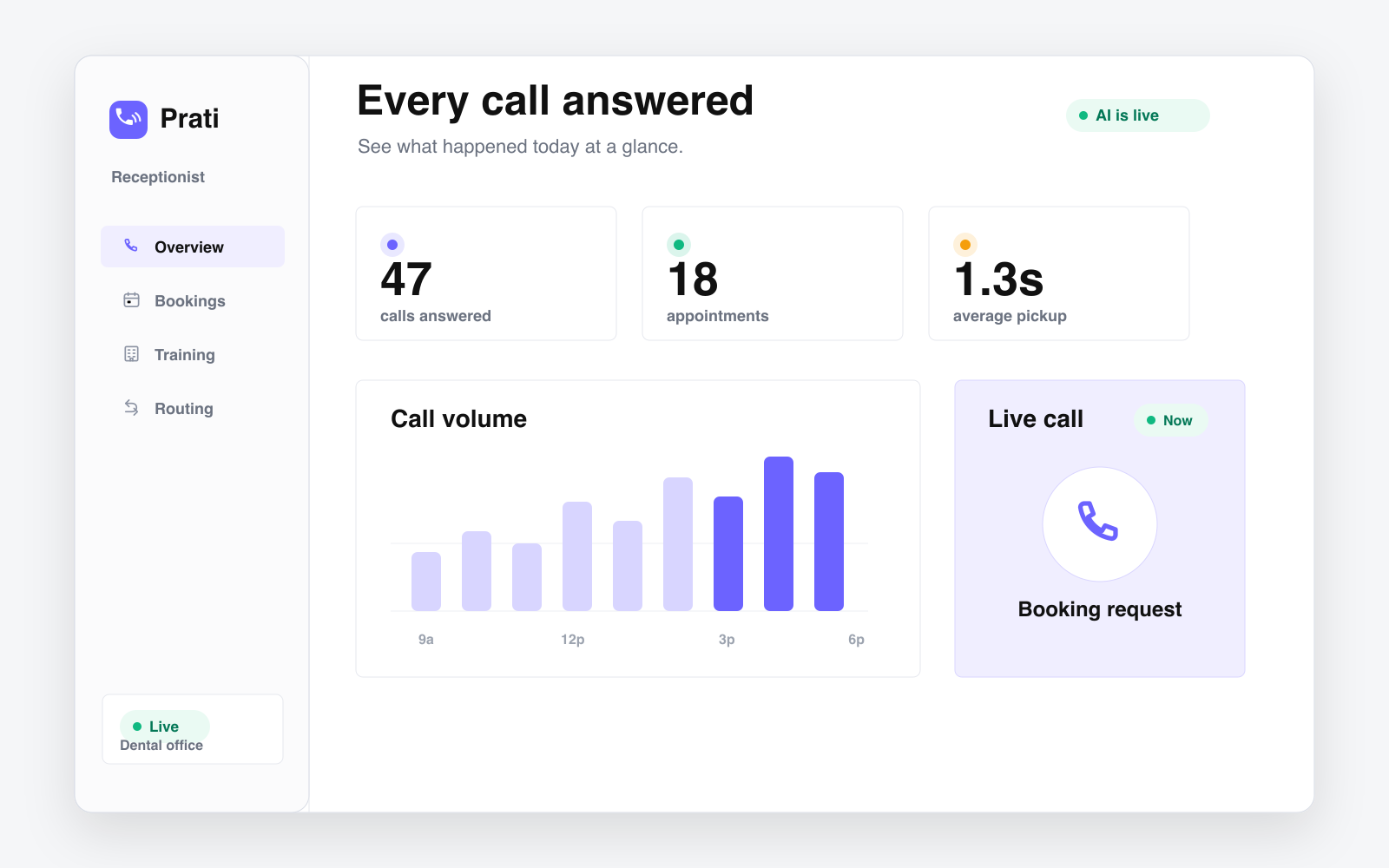
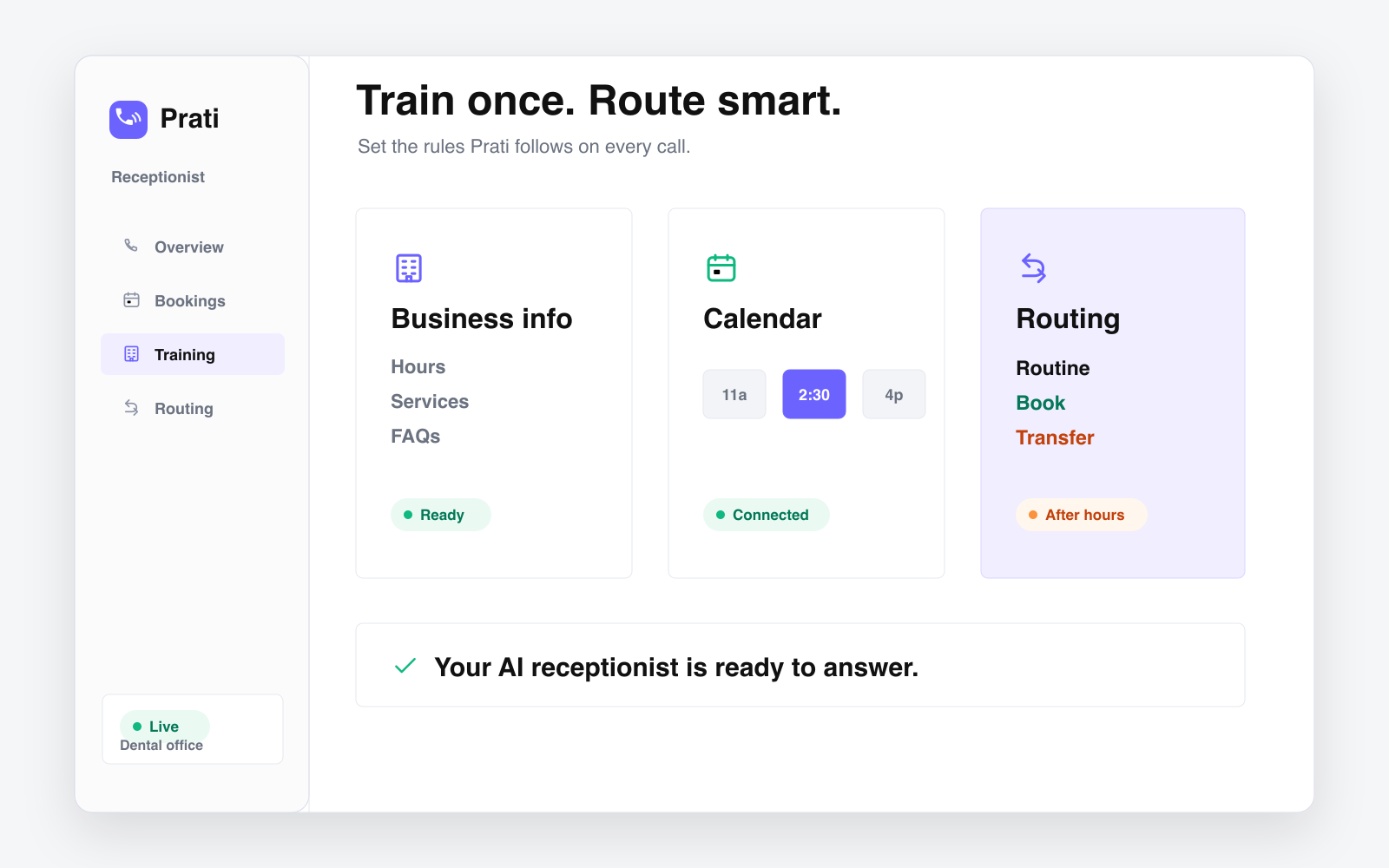
Prati shows which calls you may be losing and what to do next.
See calls that came in when your team was busy or closed.
Name, callback number, AC issue, urgency, and next step.
Know what to answer, when, and how.
The check focuses on AC calls, after-hours calls, and missed jobs.
See what Prati would capture before the customer calls someone else.
Prati can collect booking preferences, send a callback recap, or connect to a simple calendar workflow. Your dispatch process stays in place.
Set criteria for no-cool emergencies, vulnerable residents, commercial equipment risk, and after-hours transfers.
Prati pricing depends on call volume, routing complexity, setup, and integrations. The free check shows where missed calls may be costing work first.
Prati captures the caller name, callback number, address, AC or heating issue, urgency signals, access notes, and the recommended next action for the team.
Yes. You define what counts as urgent, such as no cooling during extreme heat, vulnerable residents, or commercial equipment risk, and Prati can transfer or text those calls.
No. Prati answers and qualifies the call, then sends a dispatch-ready recap. Your team can keep using its existing dispatch, calendar, or callback workflow.
You send your business name, phone or website, and email. Prati reviews the call coverage opportunity and sends a simple note on where after-hours calls may be slipping through.
We'll show you what you may be losing after hours.
Get My Free Check